
Start from your daily habits
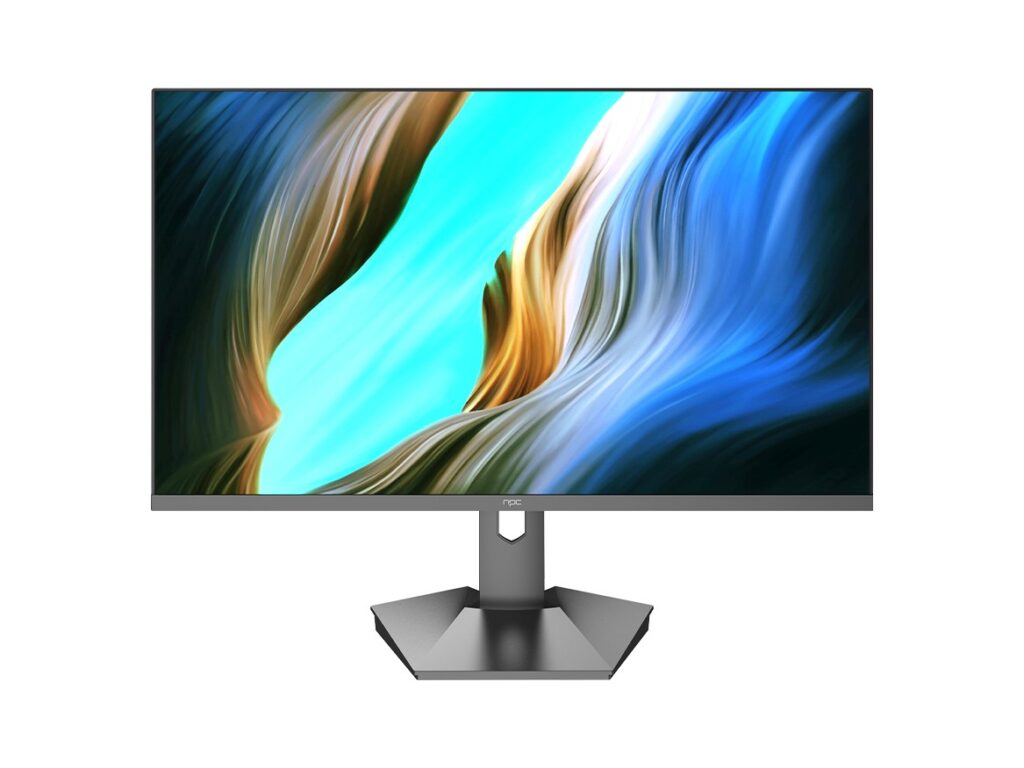
You use TV for one thing or many things — streaming, gaming, video calls, or mirroring your laptop. Ask what you do most and let that steer the OS choice. If you plan a small media-and-computer corner, you might look at compatible workstations too; check current all in one computer deals while you compare screen and input needs.
Key user-focused questions to ask
Which apps do I need right now; will they be supported next year? How often does the maker push updates and for how many years? Can I sideload apps or am I locked to the store? Does the remote and voice assistant work with my smart lights and speakers? What about input lag, HDR and HDMI eARC for sound systems? Is profile management strong enough if family members share the TV? Ask these first, then look at brand and price.
What matters technically, in plain terms
App availability wins over flashy UI. Firmware updates matter because app stores and security change. HDMI ports and ARC/eARC decide whether your soundbar behaves. Low latency is non-negotiable for competitive gaming. Native casting (Chromecast or AirPlay) changes daily convenience. Storage and memory matter if you want many apps. If you plan video calls, check camera and mic support or whether an attached PC works cleanly.
Simple comparisons — OS choices and typical fit
Android TV / Google TV: broad app catalog and casting; good if you want flexibility and Google ecosystem. Roku TV: straightforward, fast, minimal fuss; best for people who want simple. Tizen (Samsung) and webOS (LG): polished, tightly integrated with hardware; choose if you want built-in smart-home ties and a curated feel. Amazon Fire TV: great if you live in Alexa world. Pick by lifestyle, not by brand hype.
Common mistakes buyers make
They pick because a brand looks premium but its OS misses critical apps. They ignore long-term update policy and regret unsupported apps after a year. They assume international app stores are the same; region locks and subtitles vary. They overpay for fancy remotes while ignoring basic ports. They forget to test the UI in a store — responsiveness and search quality differ a lot.
Experience, expertise and a real-world anchor
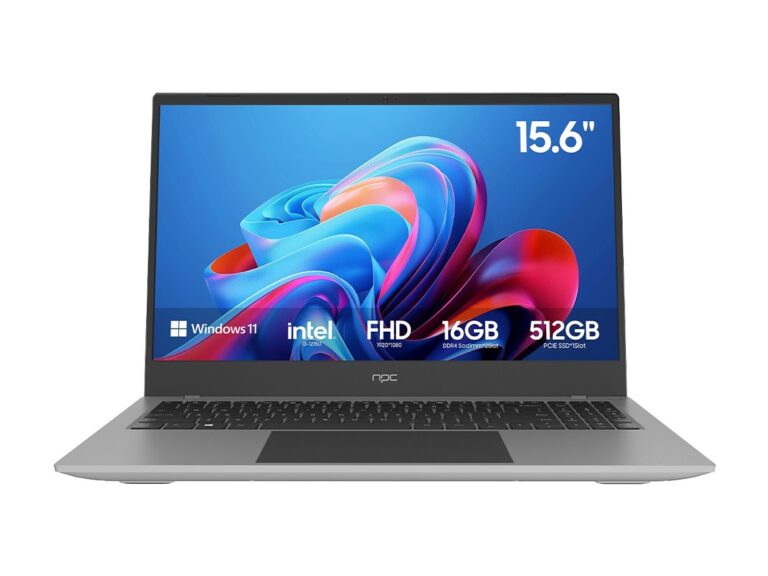
I’ve spent years setting up display systems for homes and small offices, testing how smart TV OS choices affect daily use. Reports and coverage from major tech shows show clear trends; for example, at CES Las Vegas many manufacturers demoed converged media PCs and integrated displays that highlight how an OS choice changes real setups — and you can see related offers when considering all in one desktop deals. Trust practical tests: try your most-used app on the target OS before buying.
How to avoid regret right before ordering
Install the app you want on a demo set if possible. Check update frequency and the maker’s support page. Confirm ports and audio options match your sound system. Verify voice assistant language and smart-home compatibility. Read recent user reports about app removals. If you need both TV and light computing, match OS to the device ecosystem rather than forcing a mismatch.
Final thought
Ask about real needs, test the specific apps, and confirm support and ports. When questions get answered, the right OS becomes obvious and hardware just follows — that practical pairing is how I found better integrated solutions at npc.

